Browser mockup utility
LiveMockup Generator: free device mockups, made in your browser
A free device mockup generator that runs in your browser. The screenshot stays on your machine.
What it is
Mockup Generator for buyers looking at browser mockup utility.
A raw screenshot looks like work-in-progress even when the product is ready. Launch pages, app-store listings, and sales decks expect the UI to sit in a device. Opening Figma to drop one image into a frame is a tax teams pay over and over — and most “free mockup” sites want the file uploaded first.
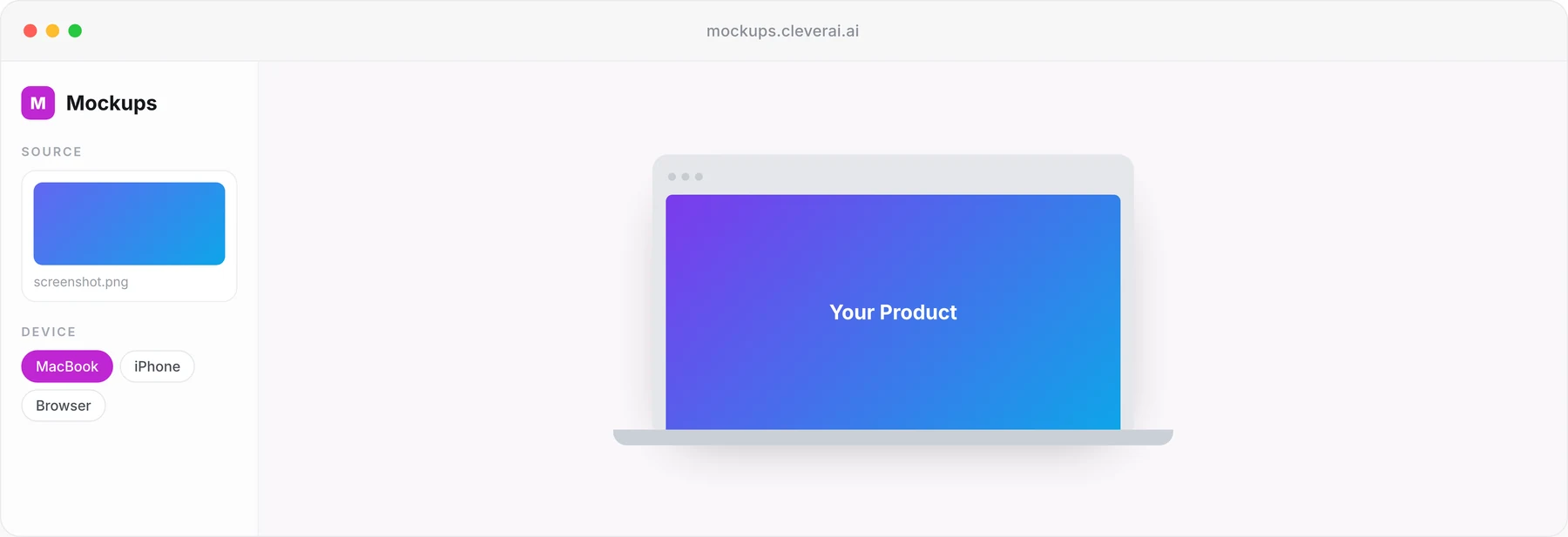
Mockup Generator is a free, in-browser editor: drop a screenshot, pick an iPhone, Pixel, iPad, MacBook, or browser frame, pan and pad the composition, and download a PNG or JPG. Framing runs locally, so the file never leaves your machine. There is no upload step, no server-side queue, and no daily limit.
The generator is free and live at mockups.cleverai.ai — no account, no waitlist. It is a presentation utility, not Pixova, and not a general image editor.
Capabilities
What Mockup Generator is built to do.
Screenshot in, mockup out
The input is a screen capture you already have. The editor fills or fits it in the frame, lets you pan, and exports that UI sitting in a device.
Device frames for web, mobile, and tablet
iPhone 15 Pro, iPhone 15, Pixel 8, iPad Pro, MacBook Pro, and a browser window. Those are the frames on the page — not an invented catalog.
No design tool required
You should not need Figma, Photoshop, or a template marketplace account to put a screenshot in a phone.
Presentation-ready exports
PNG or JPG at 1× or 2×, with padding, shadow, and a preset or custom background. The file that comes out is meant for a launch page or a sales deck.
Built for launches and campaigns
The job is product presentation: shipping, selling, announcing — not illustrating a design exploration.
A focused utility
It does not generate the screenshot, write the copy, or produce video. It frames the screen you already captured.
Who it is for
Three situations Mockup Generator is meant to change.
01 · Founder updating a landing page
The problem
The product screenshot is accurate but looks unfinished next to competitor pages that show devices. You do not want to brief a designer for one frame.
How Mockup Generator helps
Generate a device mockup from the screenshot and put that asset on the page. The UI is unchanged; the presentation is what improved.
02 · Sales engineer building a deck
The problem
Every demo screenshot is a naked rectangle. The deck looks like an internal walkthrough, not a product story.
How Mockup Generator helps
Run the captures through device frames and export presentation-ready images for the slides you already have.
03 · Marketer assembling a campaign set
The problem
You need the same UI on a phone, a tablet, and a desktop for ads and a blog. Doing that by hand in a design file does not scale to last-minute copy changes.
How Mockup Generator helps
Re-export from the same screenshot into the frames you need, without rebuilding a template each time the UI moves a pixel.
Questions
What people ask before they try Mockup Generator.
Have another question? Email hello@cleverai.ai
No. Mockup Generator is explicitly for people who do not want to open a design tool: screenshot in, device frame out, presentation-ready export.
Related products
Other tools in the same portfolio.
AI media studio
Coming soonPixova
Images, video, and voice from one studio — so brand work stops bouncing between disconnected generators.
Pixova: an AI media studio for images, video and voice →Browser image utility
LiveImage Converter
A free online image converter that runs in your browser. The files stay on your machine.
Image Converter: a free image converter that runs in your browser →Documentation platform
LiveGitDoc
Markdown in your GitHub repo. Hosted docs for readers. The same pages, writable by agents over MCP.
GitDoc: hosted docs from GitHub that AI agents can read →
Related
Services and reading related to Mockup Generator.
- ServiceCustom AI development built on your data and systems
AI features and products built into your software, on your data, and handed over with the code and runbooks.
- PageAI development services, from first use case to shipped product
Consulting, agents, RAG, integrations and chatbots, in one place.
Use it today