Browser image utility
LiveImage Converter: a free image converter that runs in your browser
A free online image converter that runs in your browser. The files stay on your machine.
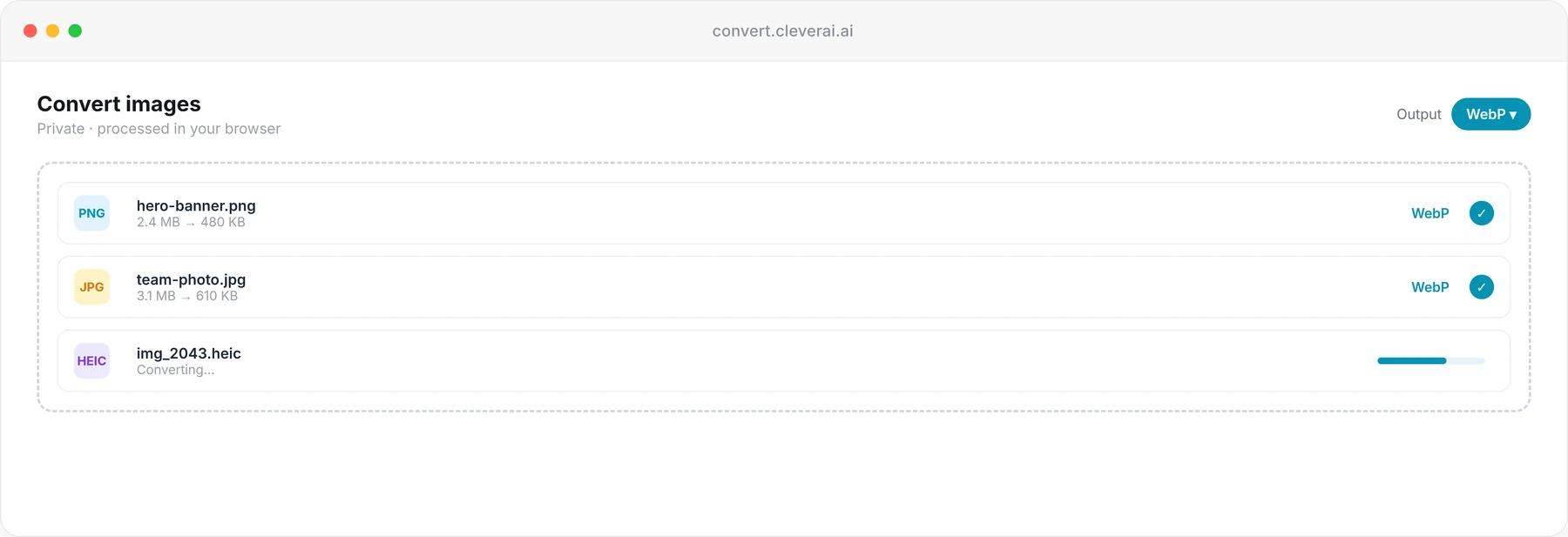
What it is
Image Converter for buyers looking at browser image utility.
Most “free converters” are upload forms. The file leaves your computer, sits on someone else’s disk, and comes back in another format — if the queue ever reaches you. That is a bad fit for screenshots that contain customer data, unreleased UI, or anything you would not attach to a random email.
Image Converter is a fast, in-browser editor for common formats: PNG, JPG, WebP, GIF, SVG, BMP, and TIFF. Conversion, resize, rotate, and flip run locally, so the files never leave your machine. There is no upload step, no server-side queue, and no daily limit.
The converter is free and live at convert.cleverai.ai — no account, no waitlist. It is a format utility, not a mockup tool and not a media studio.
Capabilities
What Image Converter is built to do.
Private, in-browser processing
Conversion runs in the browser. The file is not uploaded to a conversion farm as a side effect of changing PNG to WebP.
Common formats in one place
PNG, JPG, WebP, GIF, SVG, BMP, and TIFF are the listed formats. The point is covering what teams actually send each other.
No upload, no queue
You are not waiting behind other people’s jobs on a busy server. Local processing means the wait is your machine, not a public backlog.
Built for speed
Open, convert, save. Local processing means the wait is your machine, not a public backlog — and it is not a batch DAM.
A simple workflow
Format conversion does not require an account, a project, or a tutorial. Open the page, convert, save.
A browser editor, not a studio
It converts formats, resizes, rotates, and flips. It does not retouch photos, generate images, or drop screenshots into device frames.
Who it is for
Three situations Image Converter is meant to change.
01 · Engineer handing assets to a marketing site
The problem
The design export is a huge PNG. The site wants WebP. Uploading unreleased UI to a random converter is not an option.
How Image Converter helps
Convert in the browser so the file never leaves the machine, then commit the WebP you actually needed.
02 · Analyst stuck with a TIFF from a scanner
The problem
The file will not open in the tool you have, and the online converters you tried want an email and an upload.
How Image Converter helps
Use a local converter that lists TIFF among its formats, keep the document on disk, and move on.
03 · Designer exchanging files with a client who only wants JPG
The problem
Your working file is PNG with transparency. Their CMS rejects it. You should not be the person who uploaded their brand assets to a stranger’s server.
How Image Converter helps
Convert locally to JPG when that is what they asked for, without an intermediate copy living on a conversion website.
Questions
What people ask before they try Image Converter.
Have another question? Email hello@cleverai.ai
No. Conversion runs in your browser so the files never leave your machine. There is no upload step, no server-side queue, and no daily limit — nothing is metered on a server. You can confirm it in the browser Network tab.
Related products
Other tools in the same portfolio.
AI media studio
Coming soonPixova
Images, video, and voice from one studio — so brand work stops bouncing between disconnected generators.
Pixova: an AI media studio for images, video and voice →Browser mockup utility
LiveMockup Generator
A free device mockup generator that runs in your browser. The screenshot stays on your machine.
Mockup Generator: free device mockups, made in your browser →
Related
Services and reading related to Image Converter.
- ServiceCustom AI development built on your data and systems
AI features and products built into your software, on your data, and handed over with the code and runbooks.
- PageAI development services, from first use case to shipped product
Consulting, agents, RAG, integrations and chatbots, in one place.
Use it today